


Product Description
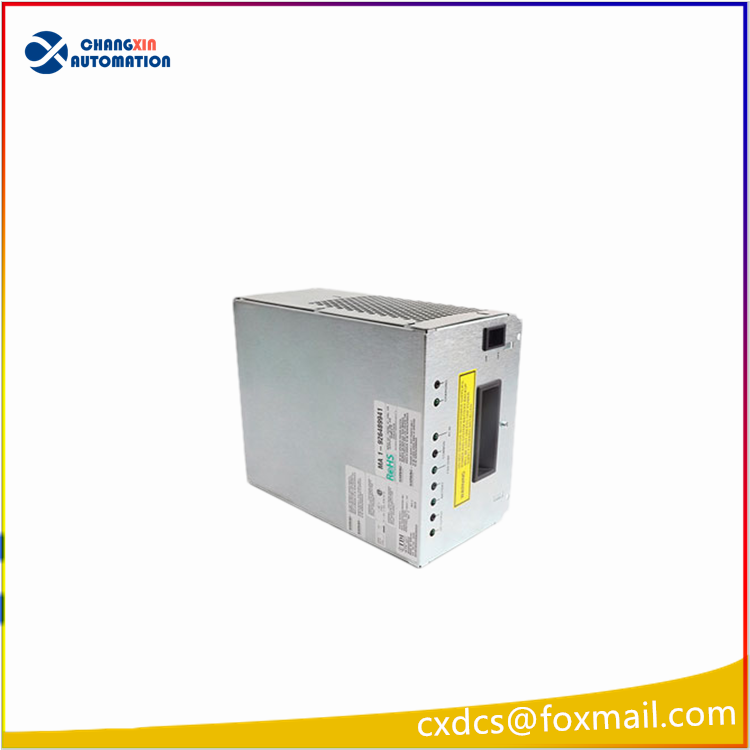
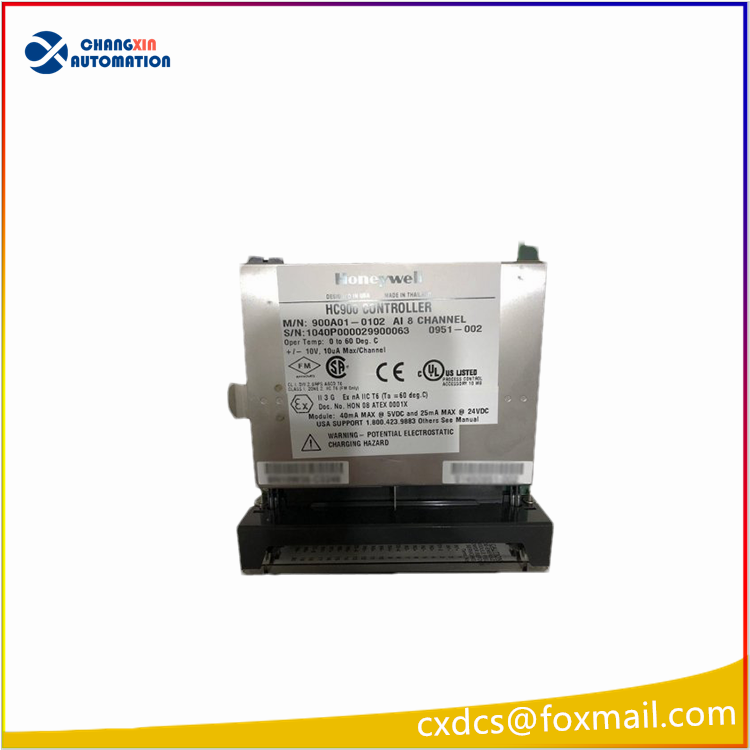
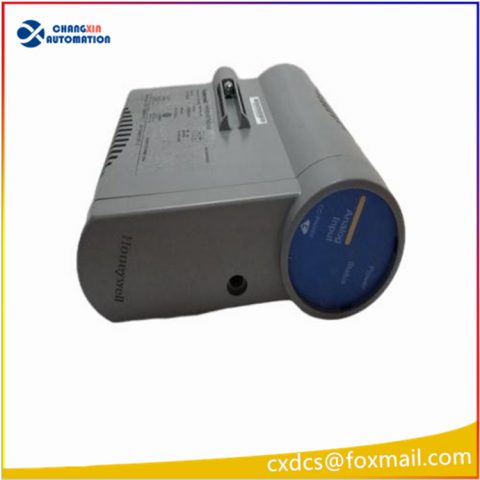
FX-USI-0002 V1.0 Honeywell Safety Manager System Module
How to choose the FX-USI-0002 V1.0 module
- Safety Functions: Ensure the module supports the specific safety functions required for your application, such as emergency stops, safe machine stops, and safety interlocks.
- I/O Count: Verify that the module has enough input and output points to accommodate all the sensors, actuators, and other devices you need to connect.
- Communication Protocol: Confirm that the module is compatible with the communication protocol used in your Safety Manager system, such as CANopen, DeviceNet, or Profibus.
- Certification: Check if the module meets the necessary safety standards and certifications, like IEC 61508, for your application.
- Environmental Suitability: Ensure the module can withstand the operating temperature and humidity conditions of your installation environment.
Frequently Asked Questions About FX-USI-0002 V1.0
1. What is the FX-USI-0002 V1.0 module?
The FX-USI-0002 V1.0 is a safety module manufactured by Honeywell, designed to be used in industrial automation systems. It works in
conjunction with the Safety Manager system to provide safety functions for machinery. It can connect to various sensors, actuators, and other devices
to monitor equipment operation and take appropriate safety measures in case of abnormal conditions, protecting both personnel and equipment.
2.How to configure the FX-USI-0002 module?
- I/O configuration: Define the type, range, etc. of input and output signals.
- Safety function configuration: Configure various safety functions such as emergency stop, safety door monitoring, etc.
- Communication configuration: Configure communication parameters with other devices.
- I/O configuration: Define the type, range, etc. of input and output signals.
- Safety function configuration: Configure various safety functions such as emergency stop, safety door monitoring, etc.
- Communication configuration: Configure communication parameters with other devices.
3.How to troubleshoot the FX-USI-0002 module?
- Check indicator lights: The indicator lights on the module can provide some fault information.
- View logs: The module stores running logs internally, which can be used to find the cause of the fault.
- Use configuration software: Configuration software usually provides fault diagnosis functions.
- Contact technical support: If you cannot solve the problem yourself, please contact Honeywell technical support.


There are no reviews yet.