

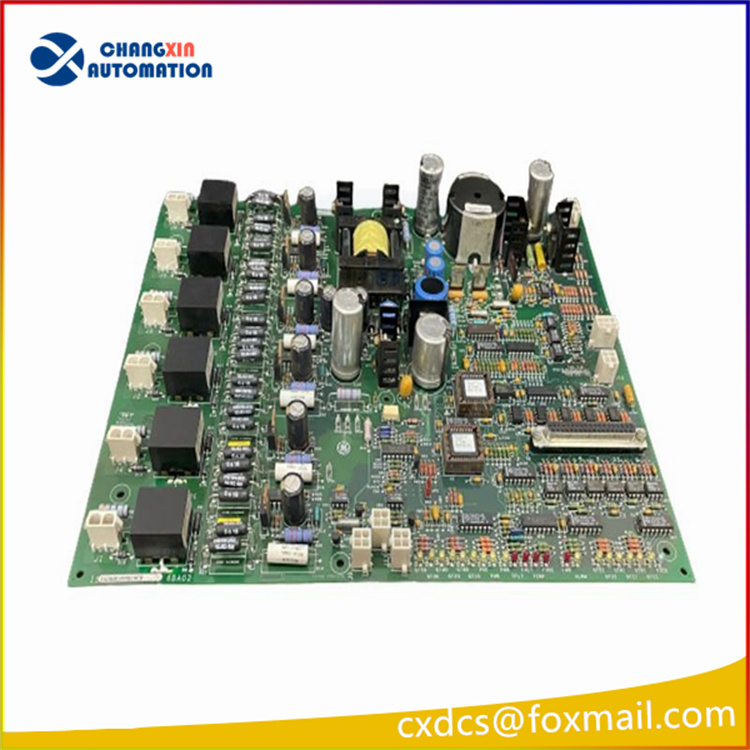

Product Introduction
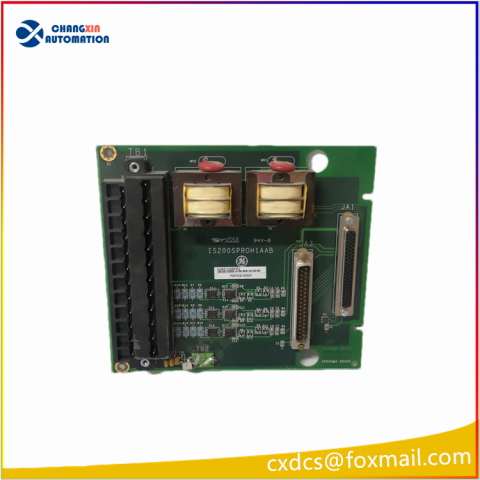
GE IS200BPPBH2CA is designed to be compatible with GE’s specific control systems (such as Mark VI, etc.), and can be seamlessly integrated with other related modules to achieve complex control functions. Made of industrial-grade materials, it can work stably in harsh industrial environments and withstand high temperatures, vibrations, and electromagnetic interference. It is used to achieve accurate signal transmission, distribution, and processing, ensuring that the control system accurately acquires and processes various sensor signals and control instructions.
Technical Specifications
| Manufacture | General Electric(GE) |
| Model | IS200BPPBH2CA |
| Part Number | IS200MVREH1AAB IS200BPPBH2CAA |
| Description | Mark VI control circuit board |
| Origin | USA |
| Dimension | 35*25*5cm |
| Weight | 0.55kg |
Product Details
GE IS200BPPBH2CA Connection:
Power connections: Connect the correct DC power supply, typically 125V DC (100 – 145V DC) or 24V DC (18.5 – 32V DC), depending on the module requirements, ensuring the power supply polarity is correct.
Signal connections: Connect the dry contact input signals to the corresponding input terminal block, the first 24 dry contact inputs to the contact input terminal block (TBCI), and inputs 25 – 48 may require a second terminal block. Connect the terminal block to the VME rack containing the processor board via cables. Relay outputs are connected to the corresponding load devices, and feedback cables are connected to monitor the relay status.
Signal connections: Connect the dry contact input signals to the corresponding input terminal block, the first 24 dry contact inputs to the contact input terminal block (TBCI), and inputs 25 – 48 may require a second terminal block. Connect the terminal block to the VME rack containing the processor board via cables. Relay outputs are connected to the corresponding load devices, and feedback cables are connected to monitor the relay status.
Configuration and Programming:
Generally, configuration is performed through the programming software that comes with the GE Mark VI control system. In the software, various parameters of the module are set according to actual application requirements, such as the filter time of the input signal, the action mode of the relay output, and the parameters related to the event sequence (SOE) recording. For inputs that monitor important turbine variables, high-speed scanning and recording can be set at a rate of 1 millisecond. After configuration is completed, the parameters are downloaded to the module.
Generally, configuration is performed through the programming software that comes with the GE Mark VI control system. In the software, various parameters of the module are set according to actual application requirements, such as the filter time of the input signal, the action mode of the relay output, and the parameters related to the event sequence (SOE) recording. For inputs that monitor important turbine variables, high-speed scanning and recording can be set at a rate of 1 millisecond. After configuration is completed, the parameters are downloaded to the module.
Operation and monitoring:
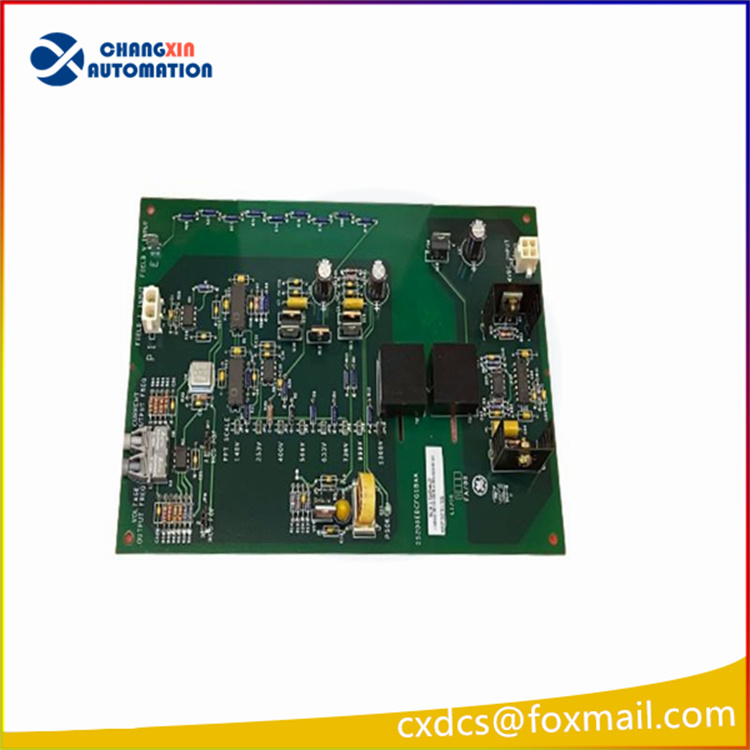
Operation status indication: When the module is operating normally, there is usually a flashing green indicator light indicating the “operation” status; if a fault occurs, there will be a permanently lit red indicator light indicating the “failure” status, and the orange indicator light may be used to display diagnostic alarm conditions.
Monitoring and diagnosis: Use the control system’s monitoring software to view the module’s operating status, input and output signal values, diagnostic information, etc., in real time. The software can provide real-time monitoring and fault detection functions, such as monitoring input voltage, relay status, communication status, etc., and promptly issuing alarm signals when abnormalities occur. Remote operation and maintenance can also be performed through the software, such as remotely resetting faults and modifying parameters.
Operation status indication: When the module is operating normally, there is usually a flashing green indicator light indicating the “operation” status; if a fault occurs, there will be a permanently lit red indicator light indicating the “failure” status, and the orange indicator light may be used to display diagnostic alarm conditions.
Monitoring and diagnosis: Use the control system’s monitoring software to view the module’s operating status, input and output signal values, diagnostic information, etc., in real time. The software can provide real-time monitoring and fault detection functions, such as monitoring input voltage, relay status, communication status, etc., and promptly issuing alarm signals when abnormalities occur. Remote operation and maintenance can also be performed through the software, such as remotely resetting faults and modifying parameters.
Maintenance and care:
Regular inspection: Regularly check the appearance of the module to see if there is dust accumulation, overheating, and discoloration of components. Clean the dust on the surface of the module and use a compressed air can to clean the dust in the gaps and interfaces. Check whether the connecting cables are loose or damaged, and replace them in time if necessary.
Firmware update: Pay attention to the relevant firmware update information released by GE, and update the module firmware to a stable version in time to obtain better performance and stability. When updating the firmware, follow the operating instructions provided by GE to ensure a smooth update process.
Regular inspection: Regularly check the appearance of the module to see if there is dust accumulation, overheating, and discoloration of components. Clean the dust on the surface of the module and use a compressed air can to clean the dust in the gaps and interfaces. Check whether the connecting cables are loose or damaged, and replace them in time if necessary.
Firmware update: Pay attention to the relevant firmware update information released by GE, and update the module firmware to a stable version in time to obtain better performance and stability. When updating the firmware, follow the operating instructions provided by GE to ensure a smooth update process.


There are no reviews yet.