


Functional Description
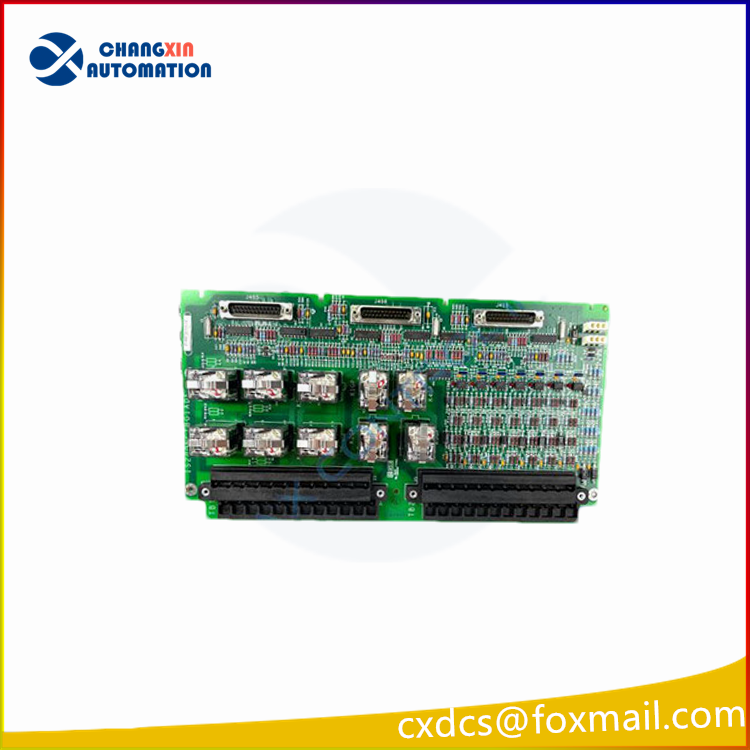
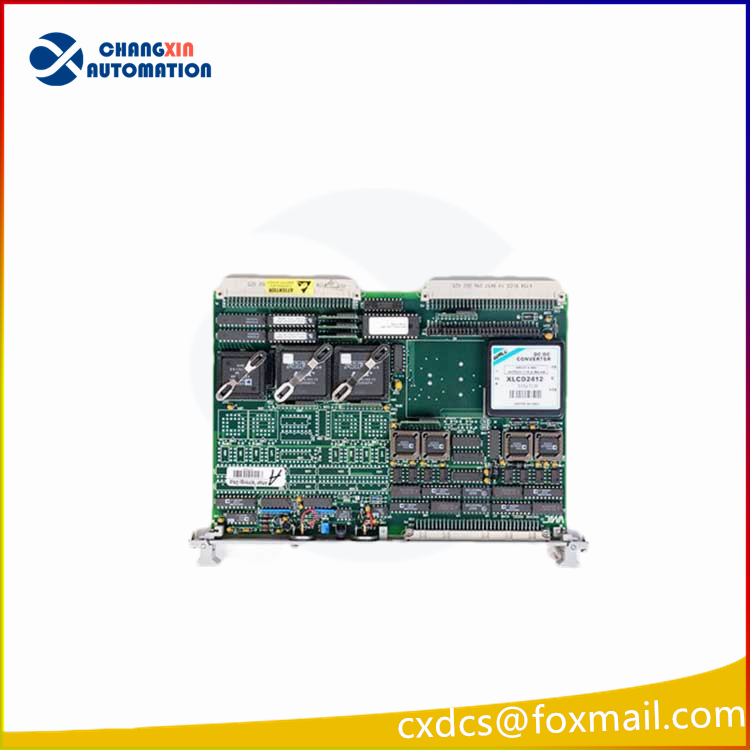
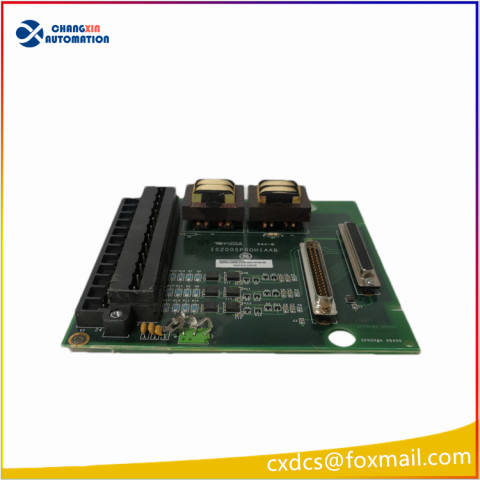
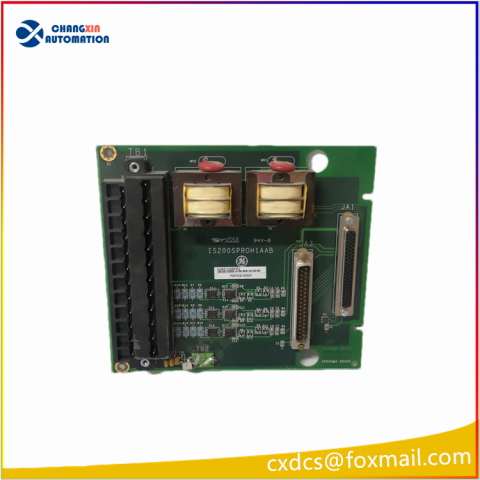
IS200JPDBG1A is a Dual Channel/Dual Port Input Output Module manufactured and designed by General Electric. It functions as an auxiliary drive to ISBus interface board. An AcDc2000 drive is connected to an ISBus Local Area Network via the Auxiliary ISBusInterface board (ADII) (LAN). The ADIIboard is located on the backside of the AcDc2000 drive’s first board carrier. The LNPL ribbon cable and COM1 wire connect the ADII board to the Drive Control/LAN Communications board (LDCC).
Features
Power Supply and Connectivity:
- The board is powered by the AcDc2000 drive’s power supply board through the 2PL power cable. This cable serves as the means of transferring power from the drive’s supply board to the ADII board.
Bypass Relay Functionality:
- In the event that the drive is switched off, the ADII board is equipped with a bypass relay. This relay is designed to ensure the continuity of the ISBus electrical connection. Importantly, this function negates the need for an external bypass module to maintain connectivity during the drive’s off state.
Signal Mapping and Development:
- The Innovation Series drive system applications signal map serves as the basis for generating the interface signal map. Many of the references and feedbacks contained within this signal map are generic in nature.
- To replicate the functionalities of the Innovation Series drives, specialized blockware specific to the AcDc2000 drive needs to be developed. This development process is aimed at emulating the functionalities outlined in the Innovation Series drives.
Interface and Variable Mapping:
- Serves as the intermediary component that establishes the connection between the drive and the controller using an integer variable map.
- As part of this process, it’s necessary to scale the integers to AcDc2000 units as defined in the signal map’s specifications. This scaling ensures that the variables and data transmitted between the drive and the controller are accurately interpreted and utilized.
Interface Configuration:
- The interface configuration can be accomplished using either of two methods: the LDCC board’s local keypad or the GE Control System Toolbox (toolbox). These tools facilitate the configuration and setup of the interface, allowing users to adjust settings, parameters, and configurations as needed for the AcDc2000 drive system.


There are no reviews yet.