
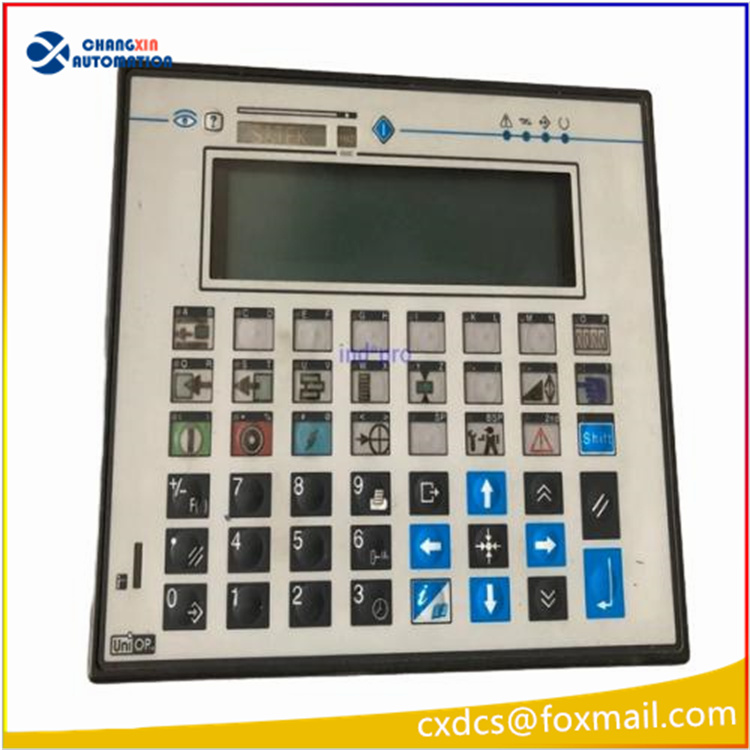

UniOP eTOP eTOP10 series HMI eTOP10-0050 Touch Screen Monitor Overlay Repair
Order each part separately is available
VICPAS supply eTOP10-0050 UniOP eTOP10 Front Overlay and Touch Membrane with 365 Days warranty and support Urgent Worldwide Shipping.
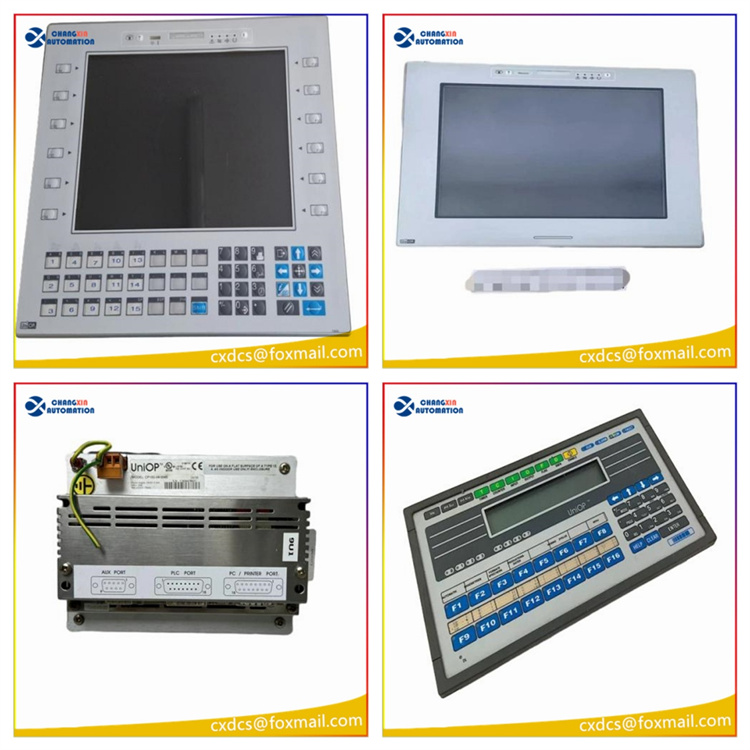
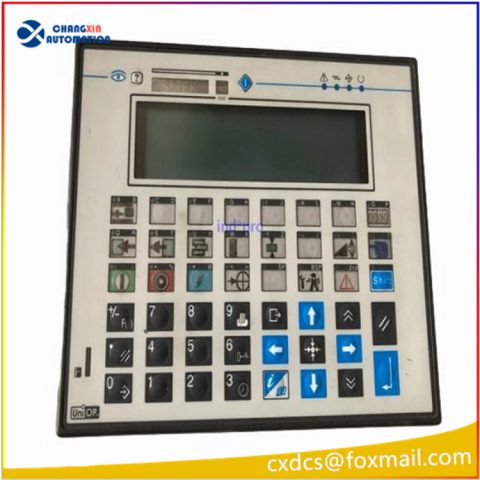
The eTOP10B and eTOP10 eTOP10-0050 are state-of-the-art HMI devices with touchscreen interface and 5.6” TFT and STN color graphic displays. eTOP10-0050 Touch screen panel glass Protective Film hmi supports for 64K colors in the brilliant TFT display will increase the realism of the eTOP10-0050 Front Overlay Touch Panel IHM images. The compact size and the 1/4 VGA resolution make them an attractive solution where space is a premium without compromising performance.
Specifications:
The table below describes the parameters of the eTOP10-0050 UniOP eTOP10 Front Overlay HMI Touch Glass.
| Part Number: | eTOP10-0050 |
| Display Type: | STN color LCD |
| Resolution: | 320×240 pixels |
| Backlight: | CCFL |
| Warranty: | 365 Days |
| Input Power: | 24VDC (+10%, -15%) |
| Touch screen: | Resistive |
| Product Line: | UniOP eTOP10 series |
| Operating Temperature: | 0 to 45 °C |
| Storage Temperature: | -20 to +70 °C |
Related UniOP Series Part No. :
| UniOP eTOP | Description | Inventory status |
| eTOP10-0050 | UniOP eTOP Touch Screen Monitor Overlay Repair | In Stock |
| eTOP10B-0045 | Touch Screen Protective Film UniOP eTOP eTOP10B | Available Now |
| eTOP10B-0050 | UniOP eTOP10B Touch Screen Glass Front Overlay | In Stock |
| eTOP10C-0045 | UniOP eTOP eTOP10C Touch Protective Film | In Stock |
| eTOP10C-0050 | UniOP eTOP10C Touch Screen Overlay Replacement | In Stock |
| eTOP11-0045 | HMI Panel Glass Overlay eTOP eTOP11 Repair | Available Now |
| eTOP11-0050 | UniOP eTOP Front Overlay Touch Panel Glass | In Stock |
| eTOP11-6550 | UniOP eTOP Touch Screen Protective Film Repair | Available Now |
| eTOP11E-0045 | UniOP eTOP11E Touch Digitizer Protective Film | In Stock |
| eTOP11E-0050 | HMI Panel Glass Overlay eTOP eTOP11E Repair | Available Now |
| eTOP11EB-0045 | UniOP eTOP11EB HMI Panel Glass Front Overlay | In Stock |
| eTOP11EB-0050 | UniOP eTOP eTOP11EB Touch Protective Film | In Stock |
| eTOP12-0045 | HMI Panel Glass Overlay eTOP eTOP12 Repair | Available Now |
| eTOP12-0050 | Touch Screen Protective Film UniOP eTOP eTOP12 | Available Now |
| Exor UniOP HMI | Description | Inventory status |
Exor UniOP eTOP HMI Manuals PDF Download:
- UniOP eTOP05 User Manuals
- UniOP eTOP05, eTOP05P User Manuals
- UniOP eTOP06 User Manuals
- UniOP eTOP06C User Manuals
- UniOP eTOP10, eTOP11, eTOP12 User Manuals
- UniOP eTOP10B and eTOP11EB User Manuals
- UniOP eTOP20B and eTOP21B User Manuals
- UniOP eTOP30, eTOP32 User Manuals
FAQ:
Question: How to replace the battery of eTOP10-0050?
Answer: To replace the battery, follow the procedure listed below:
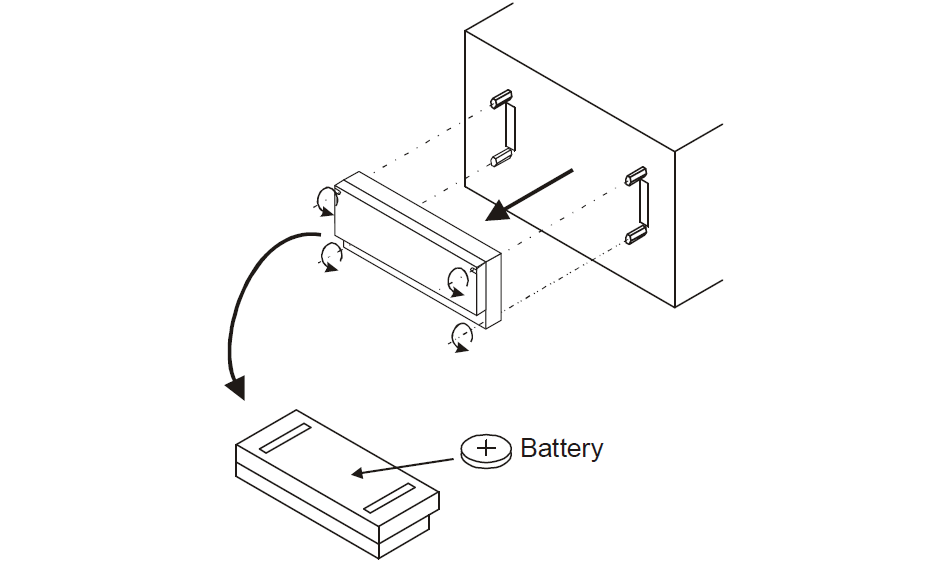
- 1) turn off the power to the panel
- 2) use a screwdriver to loose the four screws securing the block composed by the two metal units
- 3) remove the block
- 4) remove the battery
- 5) replace the battery with a new one

- 6) replace the block; tighten the four screws
- 7) apply power to the panel and check that battery good status is signaled.

Question: What is the eTOP10-0050 UniOP eTOP Touch Screen Monitor Price?
Answer: Submit a fast quote, send VICPAS an email for best price.
Common misspellings:
eTOP10-050
eOP10-0050
eTOP01-0050
eTOP10-005O
eTOP110-0050

There are no reviews yet.