

Many products are not yet available. Please contact us for more information.
If the product model number differs from the displayed image, the model number will prevail. Please contact us for specific product images, and we will arrange to take photos at the warehouse for verification.
We have 76 shared warehouses worldwide, so it may sometimes take several hours for us to accurately return your product. Please understand. We will, of course, respond to your inquiries as soon as possible.

product description:
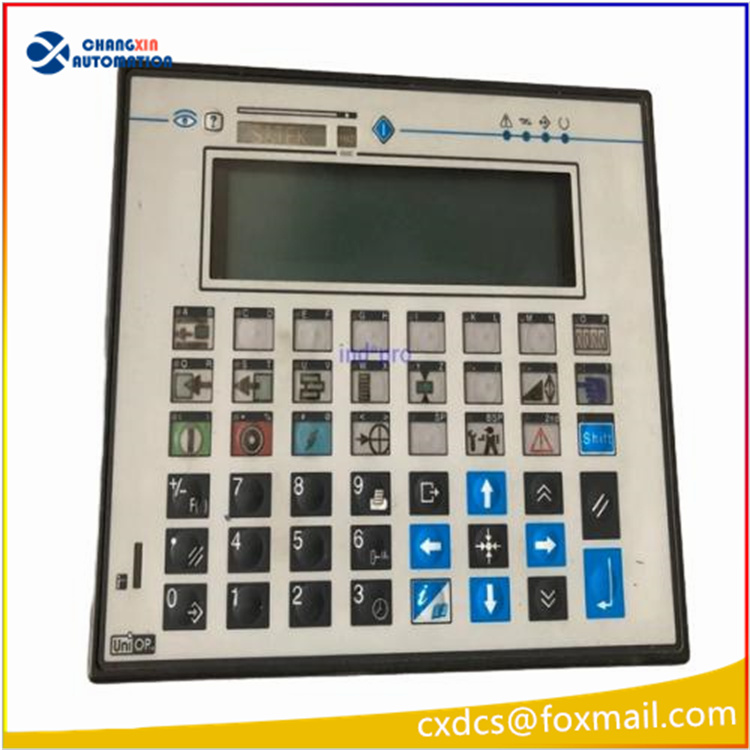
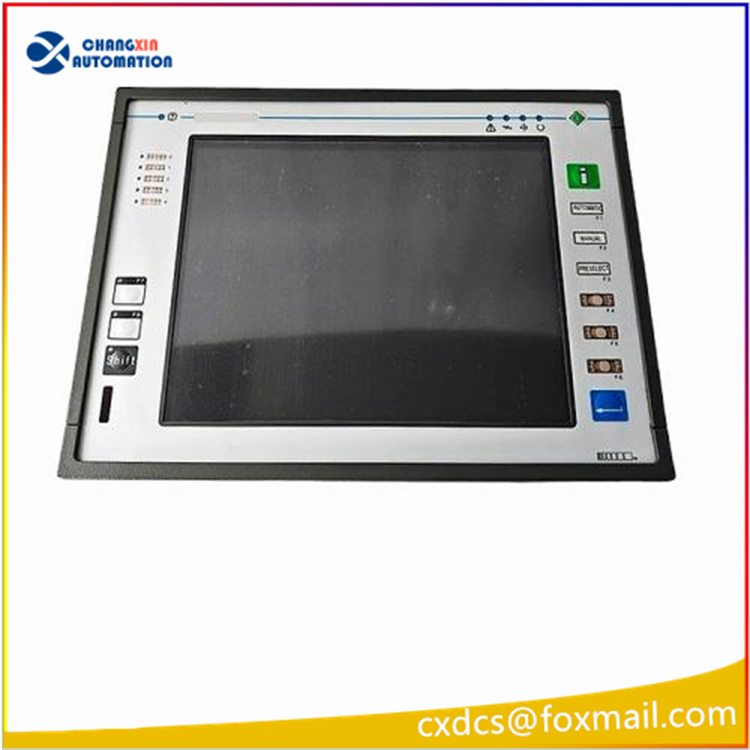
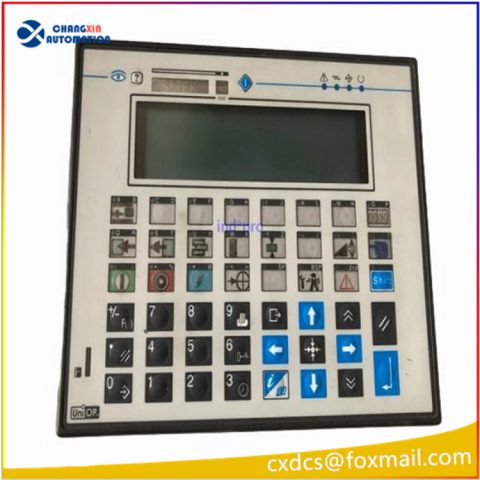
The UniOP eTOP05eB-0045 is an industrial-grade human-machine interface (HMI) touch screen panel manufactured by UniOP (now part of the EXOR Group) in Italy. Designed specifically for industrial automation control systems, it offers high reliability and stability, suitable for harsh industrial environments.
Features
Industrial-grade design: Meets IP65 protection standards, is dustproof and waterproof, suitable for harsh environments. The metal casing is shock-resistant and anti-interference, making it suitable for long-term operation in industrial sites.
Diverse interfaces: Supports Ethernet, USB, and multiple serial protocols (Modbus, Siemens S7, Allen-Bradley, etc.), and is compatible with mainstream PLCs.
Software support: UniOP Designer 6 software enables graphical interface development, macro programming, multi-language support, and remote monitoring.
Expandability: Supports expansion of fieldbus interfaces (such as Profinet and EtherNet/IP) via pluggable modules.
Display: 5.7-inch TFT color LCD with a resolution of 320×240 pixels and LED backlight, ensuring clear display even in complex industrial environments.
Touch technology: Resistive touch screen, compatible with gloves or pen operation, suitable for harsh environments.
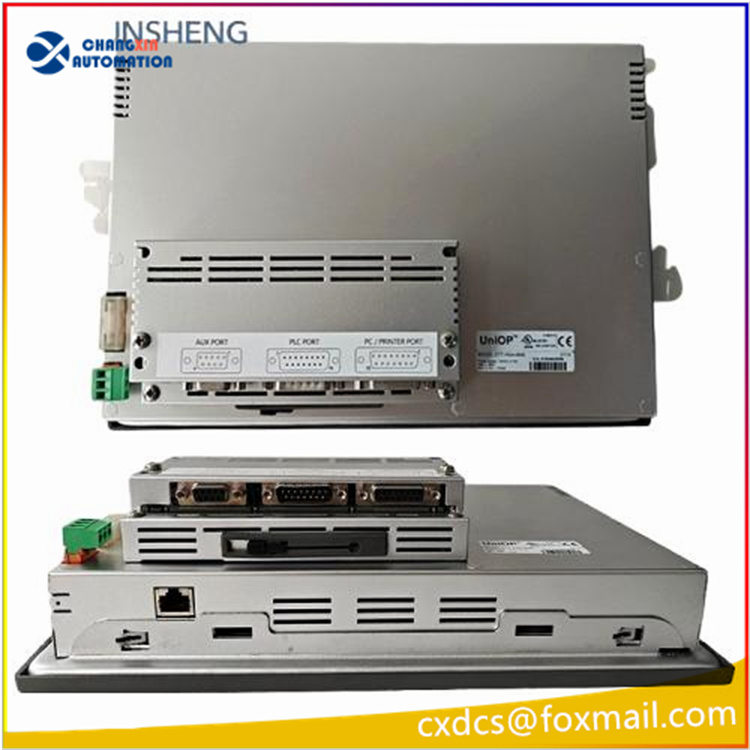
Rich Interfaces: Integrated Ethernet (10/100Mbps), USB host, RS-232/422/485 interfaces, supporting fieldbus expansion (such as Profinet and EtherNet/IP).
Software Compatibility: Compatible with the UniOP Designer 6 development environment, supporting graphic design, alarm management, recipe storage, multi-language switching, and other functions.
Application Scenarios: Suitable for industrial automation control, building energy management, process monitoring, and embedded systems, especially suitable for space-constrained scenarios.
Typical Application Scenarios
Industrial Automation Control: User interfaces for equipment such as robots, packaging machines, and printing presses.
Building Automation: Energy management systems and HVAC control.
Process Monitoring: Data acquisition and real-time monitoring of production lines.
System Integration: As an Industrial Internet of Things (IIoT) node, supports the OPC UA protocol.
Technical Specifications
Common Problems and Solutions
No touch response: Driver error, hardware failure, or loose cable.
Solution: Recalibrate the touchscreen, check signal cable connections, and update the firmware to the latest version.
Image jitter: Unstable power supply, electromagnetic interference, or improper refresh rate settings.
Solution: Ensure a stable power supply, keep away from interference sources (such as inverters), and adjust the refresh rate to above 75Hz.
Partial unresponsiveness: Surface dirt or internal wiring damage.

Solution: Clean the screen surface. If the problem persists, contact a repair center to replace the touchscreen.
Communication failure: Serial port conflict or protocol mismatch.
Solution: Check the serial port and interrupt number settings and change the communication protocol (such as switching from Modbus RTU to TCP).
Black screen after powering on: Power supply failure or motherboard damage.
Solution: Measure the power supply output voltage, replace the power module, or contact after-sales service.
All products on this website are special products, and market prices are constantly fluctuating.
Please refer to customer service quotes. Since these products are new, prices are not official.
Please confirm model, product, price, and other details with customer service before placing an order. The website is used.
New products are for sale. Please contact customer service for details.
Related product recommendations:
ETOP05-0045-SU B-TOUCHGLASS
eTOP32R 6ZA1015-7MA01
ETOP306U201 Uniop
eTOP33C-0350 Uniop
eTOP33C-0050 Uniop
ETOP313U301 Uniop
eTOP507MG Uniop
Uniop eTOP11EB-0045
Uniop ETOP306U201
Uniop ETOP306U301
Uniop eTOP33C-0050-1
Uniop eTOP05EB-0050

There are no reviews yet.